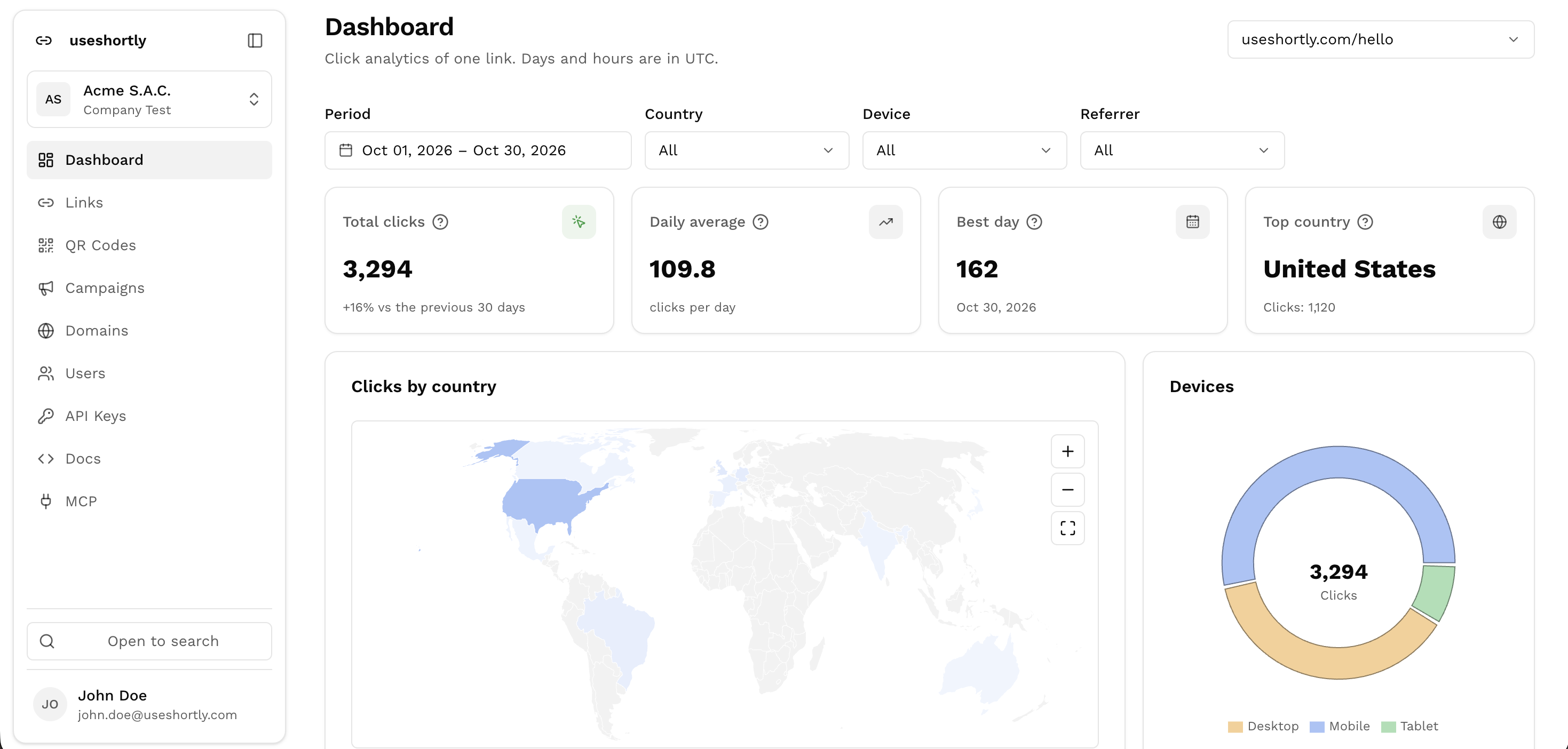
An open source alternative to Bitly. Custom domains, click analytics, QR codes and password-protected links, with no plans, usage caps or third party holding your data.
Open source. Deploy it with Docker Compose.
From clone to first short link, in three steps.
Deploy
Clone the repo and start it with Docker Compose. A single SQLite file holds everything, with optional Turso sync
Shorten
Create links on your own domain from the dashboard, the REST API or an AI assistant through MCP
Measure
Every click reaches your server first, so you see its time, referrer, country and device
One Go service and a SQLite file.
- 7Characters per codeRandom base62 from crypto/rand, or a custom alias you pick
- 302Redirect on every visitBrowsers don't cache it, so each click reaches your server and gets counted
- 1SQLite file holds your dataBack it up by copying it, or sync it to Turso Cloud
Run every link from one dashboard.
Create links, group them into campaigns and read their clicks, with your whole team in the same organization.
Links
Random codes or custom aliases, with an expiration date, a click limit or a password
Campaigns
Group links by channel, and the UTM parameters are added to each destination for you
Click analytics
Clicks by hour and weekday, top referrers, devices and a map of countries
QR codes
One for every link, styled to match your brand
Custom domains
Serve links from your own domain, verified with a DNS TXT record
Team and API keys
Invite members to your organization and create read or write keys for scripts
Manage links from your AI assistant.
Connect Claude, Cursor or any MCP client to your instance and ask for what you need in plain words.
- 21ToolsShorten URLs, read click stats, verify domains and manage campaigns
- 2Permission levelsRead-only or write, chosen by each user when they connect
- 0API keys to pasteClients sign in with OAuth 2.1, and access tokens expire after 15 minutes
The dashboard in its own window.
An early preview for macOS, Windows and Linux, for anyone who would rather not keep a browser tab open.
Its own window
The full dashboard, opened from your dock or start menu instead of a browser tab
Browser sign-in
Google sign-in opens your default browser, then hands the session back to the app
Remembers its place
Window size and position are restored every time you open it
Served locally
The interface runs on your machine and only talks to your own backend